Business Email Compromise: Why Your Employee's 'Hacked' Email Account Could Cost You $100K
Your bookkeeper gets an email from "you" asking her to wire $47,000 to a new vendor before end of day. The email looks exactly like yours — same name, same sign...
TopMSPs Editorial
MSP Research Team
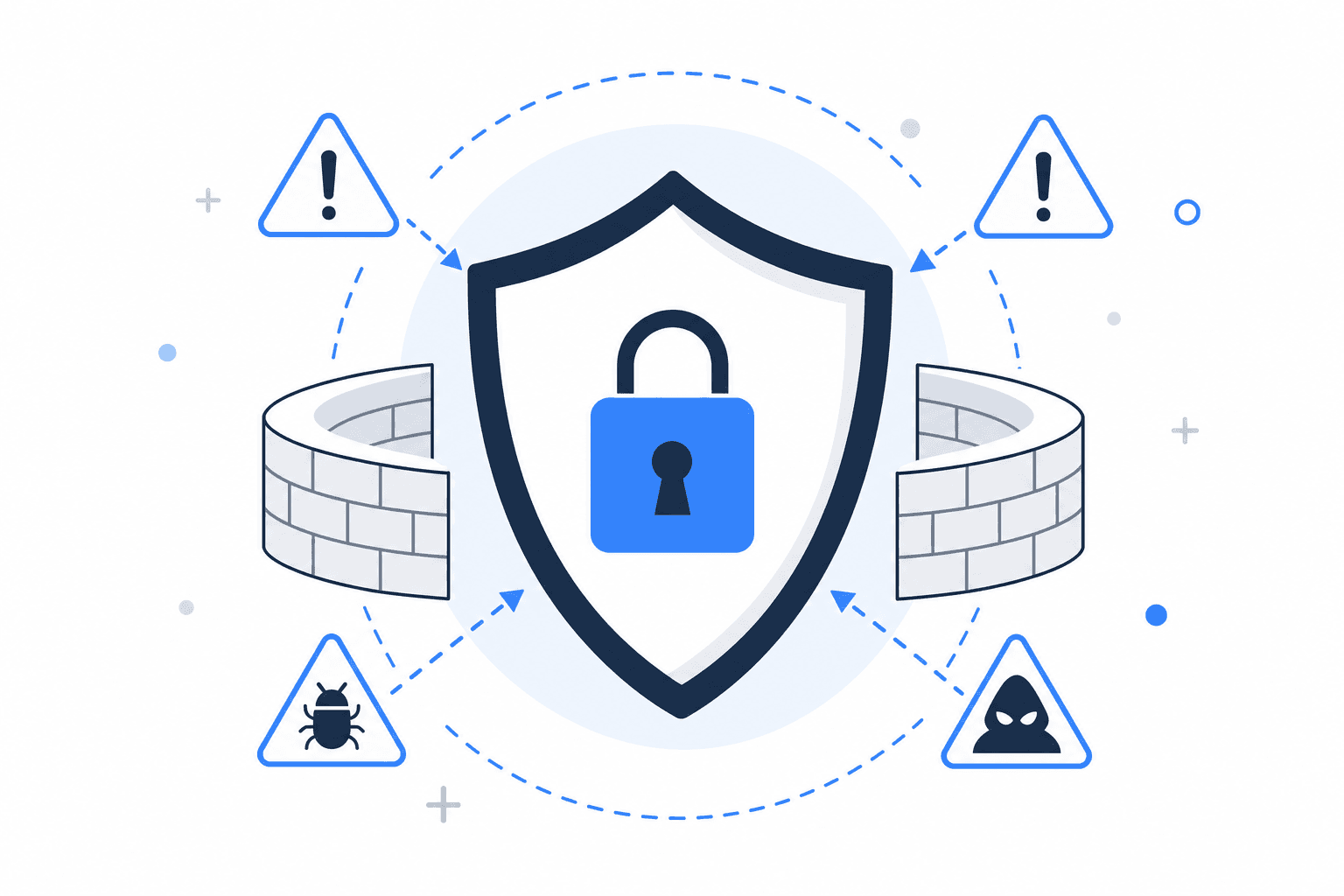
Your bookkeeper gets an email from "you" asking her to wire $47,000 to a new vendor before end of day. The email looks exactly like yours — same name, same signature, maybe even the same email address. She's seen you send urgent requests before. She wires the money. You never sent that email.
This isn't a hypothetical. It's one of the most common financial crimes hitting small businesses right now, and most owners don't find out it happened until they're on the phone with their bank trying to reverse a transfer that's already gone overseas.
Business email compromise — BEC for short — is when an attacker either hacks a real employee's email account or creates a convincing fake version of it, then uses that access to trick someone at your company into sending money, sharing sensitive data, or opening the door to even more damage. It's not the flashy ransomware attack that locks your files and demands Bitcoin. It's quieter, more personal, and often more expensive. This post will explain how it works, why small businesses are especially vulnerable, and what a good managed IT provider can actually do to stop it.
Why BEC Hits Small Businesses Harder Than Big Ones
Large companies have finance departments with multi-step approval processes. They have compliance teams. They have security software watching every email that moves through their system. You probably have Sarah in accounting, who handles everything from payroll to vendor payments, and she trusts the people she works with.
That trust is the attack surface.
At a 15-person law firm, a construction company with one office manager handling invoices, or a dental practice where the front desk manages billing — one person often has the authority to move money and the habit of acting quickly when a partner or owner asks. Attackers know this. They research your business on LinkedIn, your website, even your social media. They find out who handles payments, who the boss is, and what kind of language your company uses. Then they craft an email that fits right in.
The FBI's Internet Crime Complaint Center consistently ranks BEC as one of the top causes of financial loss for businesses — not because it's the most common attack, but because the dollar amounts are staggering. The average loss per incident runs well into five figures, and for small businesses, that kind of hit can be existential.
Practical takeaway: The less formal your financial approval process, the more exposed you are. If one person can authorize a wire transfer based on a single email, you have a vulnerability that has nothing to do with your software.
The Two Ways Attackers Get In
Understanding how BEC actually works helps you see where the weak points are — and what your IT provider should be protecting.
Account takeover
This is when an attacker actually gets into a real employee's email account. Usually it starts with a phishing email — a message designed to look like it's from Microsoft, Google, or your bank, asking the employee to log in somewhere. That "somewhere" is a fake page that captures their username and password. Now the attacker has legitimate access to a real inbox.
They don't always act immediately. Sometimes they sit and watch for weeks, reading emails, learning how your business communicates, waiting for the right moment — a large invoice, a payroll run, a real estate closing. Then they step in and redirect the money.
Email impersonation
This is simpler and doesn't require hacking anything. The attacker creates an email address that looks almost exactly like yours — maybe john@acme-corp.com instead of john@acmecorp.com, or they spoof the display name so it shows your name even though the actual address is something random. If your employee only glances at the sender name and not the full address, they may never notice.
Both methods are effective. Both are preventable with the right setup.
What "The Right Setup" Actually Looks Like
This is where a managed IT provider earns their fee. There are specific technical protections that stop the majority of BEC attacks before they reach your employees' inboxes. None of them require you to understand how they work — but you should know they exist and ask whether they're in place.
| Protection | What it does | What it stops |
|---|---|---|
| MFA (Multi-Factor Authentication) | Requires a second verification step (like a code texted to your phone) to log into email | Stops account takeover even if a password is stolen |
| DMARC / DKIM / SPF | Email authentication protocols that verify a message actually came from your domain | Stops email impersonation — fake "from" addresses get blocked |
| Email security filtering | A layer that scans incoming messages for phishing patterns, suspicious links, and spoofed senders | Catches phishing attempts before they reach inboxes |
| Login monitoring | Alerts when someone logs into an account from an unusual location or device | Catches account takeovers in progress |
If your current IT setup doesn't include all four of these, you have gaps. The good news is that none of these are exotic — any competent managed IT provider should be configuring these as standard practice. If you're on Microsoft 365 and want to understand what's actually being managed on your behalf, this post on why Microsoft 365 isn't self-managing is worth reading.
Practical takeaway: Ask your current IT provider or MSP: "Do we have MFA on all email accounts, and do we have DMARC configured on our domain?" If they can't answer clearly, that's a problem.
What Most Small Businesses Get Wrong
Most business owners assume that if their email system is "working," it's secure. These are two completely different things.
Microsoft 365 and Google Workspace are excellent email platforms. They are not, by default, fully secured against BEC. The authentication protocols mentioned above often need to be manually configured. MFA is available but not always enforced. Email filtering can be enhanced significantly beyond what comes out of the box.
The other mistake is treating BEC as a technology problem when it's equally a process problem. Even with perfect email security, a determined attacker might find a way through. That's why your financial processes matter as much as your software:
- Verbal confirmation rule: Any wire transfer or change to payment details over a certain dollar amount requires a phone call to confirm — not a reply to the email
- Two-person approval: No single employee can authorize a large payment without a second sign-off
- Vendor change verification: If a vendor emails to say they've changed their bank account, you call the number you already have on file — not the one in the email
These aren't complicated policies. They're the kind of thing a good MSP will recommend as part of a broader security conversation. If your IT provider only talks about software and never mentions process, they're giving you half the picture.
If You Think an Account Has Been Compromised — Right Now
If someone at your company clicked a suspicious link, received a strange email from a colleague, or you suspect an account may have been accessed by someone who shouldn't have it, here's what to do immediately:
- Change the password on the affected account right now — don't wait to investigate first
- Check the account's email rules and forwarding settings — attackers often set up forwarding rules so they keep receiving emails even after you change the password
- Check sent mail — look for emails you didn't send, especially to vendors, banks, or clients
- Alert your bank if there's any chance financial information was exposed or a fraudulent transfer was initiated
- Call your IT provider or MSP — this is exactly the kind of situation they should be equipped to handle
The forwarding rule piece catches a lot of businesses off guard. An attacker can set your email to quietly copy every message to an outside address, and even after you change your password, they keep reading your mail. This is why having someone actively monitoring your accounts — not just fixing things when they break — matters so much. It's the difference between reactive and proactive IT support.
How to Think About This for Your Business
If you have fewer than 10 employees and you're still running on a free Gmail account or an email setup your web developer configured years ago, BEC is a real and present risk. The fix isn't expensive, but it does require someone who knows what they're doing to set it up correctly.
If you have 10–50 employees and you're on Microsoft 365 or Google Workspace but nobody is actively managing the security settings, you likely have gaps you don't know about. This is the most common situation we see — good platforms, poorly configured.
If you're in a field where you regularly handle large transactions — real estate, legal, accounting, construction, medical billing — you are a higher-value target. Attackers follow the money, and they know which business types move it.
In any of these cases, the right move is to work with a managed IT provider who can audit your current email security, close the gaps, set up monitoring, and help you put simple financial controls in place. This doesn't have to be a massive engagement. Many MSPs offer security assessments as a starting point, and a good local provider will give you an honest picture of where you stand.
You can search the TopMSPs directory by ZIP code to find vetted managed IT providers in your area who work with businesses your size. It's worth a conversation before you need one.
The Quiet Threat Is the Expensive One
Ransomware gets all the press — and yes, it's a serious threat worth understanding. But BEC is the attack that quietly drains your bank account while everything on your computer looks completely normal. Ransomware at least announces itself. BEC doesn't.
The businesses that avoid these losses aren't necessarily more tech-savvy. They just have the right protections in place and someone watching their systems on their behalf. That's what a good MSP does — not just fix things when they break, but make sure the things that can quietly go wrong are being monitored before they cost you.
If you're not sure whether your email is properly secured, assume it isn't, and make a call this week. The cost of finding out is zero. The cost of finding out the hard way is not.
Related Guides
Find a Local MSP Near You
Search the TopMSPs directory to find vetted managed IT providers in your area. Enter your ZIP code and compare local options.