The Hidden Cost of Your IT Person Leaving: Why Small Teams Need More Than One Tech Expert
You hired Marcus two years ago as your office manager. Somewhere along the way, he also became the person everyone called when the printer stopped working, when...
TopMSPs Editorial
MSP Research Team
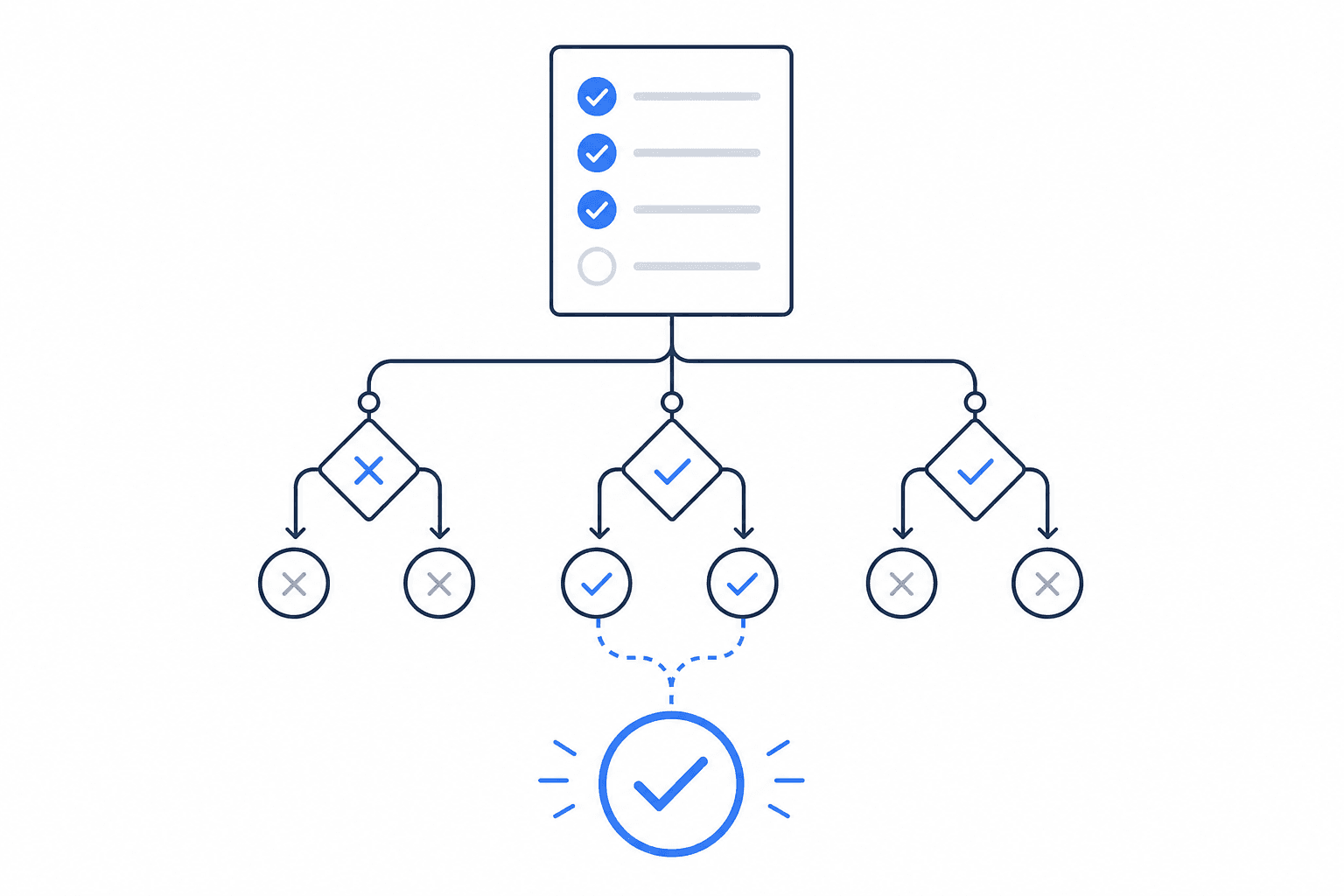
You hired Marcus two years ago as your office manager. Somewhere along the way, he also became the person everyone called when the printer stopped working, when email wasn't loading, or when a new laptop needed to be set up. He wasn't hired to do IT — he just happened to know more about computers than anyone else. Then one Tuesday morning, Marcus puts in his two weeks' notice. And suddenly you realize: every password, every software login, every quirk of your network lives inside one person's head. And that person is leaving.
This scenario plays out in small businesses every week. A dental office with 12 employees. A real estate agency with 25 agents. A construction company where the project manager also "handles the computers." The business runs fine until the one person holding everything together walks out — and then it doesn't run at all.
This post is about understanding exactly what's at risk when your IT knowledge lives in one person, why that risk is bigger than most owners realize, and what a managed IT service provider (an MSP — a company you pay a monthly fee to handle all your technology needs) can do to make sure your business never gets held hostage by a single person's departure.
The Real Problem Isn't the Person — It's the Knowledge That Leaves With Them
When Marcus leaves, you lose more than a helpful coworker. You lose something that's genuinely hard to replace: institutional IT knowledge — the accumulated understanding of how your specific systems are set up, what workarounds exist, what passwords are stored where, and why certain things are done a certain way.
Here's what that looks like in practice:
- The Wi-Fi router has a custom configuration that no one else understands
- Your accounting software requires a specific login sequence that Marcus set up and never documented
- Three vendor accounts are tied to Marcus's personal email address
- Your backup system — the thing that saves your files every night — hasn't actually been working for six weeks, and only Marcus knew that
None of this is Marcus's fault. It's not even really a people problem. It's a systems problem. When IT responsibility falls informally on one person, documentation doesn't happen, processes don't get formalized, and the business becomes dependent on that individual in ways that only become visible when they're gone.
The practical takeaway: Before you lose your IT person — whether that's an employee, a freelancer, or even yourself — make a list of every system your business depends on. Email, file storage, accounting software, point-of-sale systems, security cameras, phone system. For each one, ask: does anyone else know the login? Does anyone else know how it works? If the answer is no, that's a vulnerability.
What Actually Happens to Your Business When That Person Leaves
Let's be specific about the disruption, because "things will be hard for a while" doesn't capture it.
The first 72 hours
If something breaks in the first week after your IT person leaves, you have no one to call. You'll spend hours on hold with software vendors. You'll discover that critical accounts are locked because you don't have the credentials. You might find out that your domain — the address your email runs through, like yourbusiness.com — is registered in your former employee's name, and transferring it requires their cooperation.
The first 30 days
You'll start to find the gaps. A new employee can't get set up properly because no one knows how the system works. A client-facing tool goes down and you don't know who to call. You hire someone on Craigslist to come fix it, they charge $200 for two hours, and they've never seen your specific setup before.
The security window you didn't know was open
This is the part most owners don't think about until it's too late. When an employee leaves, their access to your systems needs to be revoked immediately — email accounts disabled, shared passwords changed, software logins removed. If that doesn't happen, a disgruntled former employee can still access your client data, your financial records, or your email. Even if Marcus left on great terms, leaving those doors open is a serious security risk.
If you want to understand how exposed small businesses can be to security threats, our post on why small businesses are targeted for ransomware covers the specific risks that come with gaps in your IT management.
The practical takeaway: Create an offboarding checklist for any employee who touches your technology — even informally. It should include revoking email access, changing shared passwords, and confirming that no company accounts are tied to personal email addresses.
What Most Small Businesses Get Wrong About This
The most common mistake isn't hiring the wrong person. It's assuming that having someone handle IT is the same as having IT handled.
A capable employee who manages IT on the side is doing you a favor — but they're not a system. They don't have backup coverage when they're sick or on vacation. They're not monitoring your network at 2am when something goes wrong. They haven't necessarily documented anything, because documentation takes time and it's never the urgent priority. And when they leave, everything they know leaves with them.
This is also why the "break-fix" model — where you call someone only when something breaks — creates the same problem in a different form. You're dependent on one contractor who may or may not be available, who may or may not have notes from the last visit, and who charges you emergency rates when things go sideways. We've written about why the break-fix model costs more than it saves if you want a fuller picture of that comparison.
The misconception is that IT is a person. The reality is that IT needs to be a process — documented, monitored, and not dependent on any single individual.
What an MSP Actually Provides That One Person Can't
An MSP isn't a single tech person. It's a team with defined processes, documented systems, and coverage that doesn't disappear when someone takes a vacation.
Here's a direct comparison:
| Internal IT Employee / IT-Savvy Staff | Managed Service Provider (MSP) | |
|---|---|---|
| Coverage hours | Business hours only | 24/7 monitoring, often with after-hours support |
| Documentation | Varies — often informal or missing | Standardized documentation of your systems |
| What happens when they leave | Knowledge gap, disruption, security risk | Continuity — the team still knows your setup |
| Security monitoring | Depends on their skill level | Ongoing monitoring built into the service |
| Cost model | Salary + benefits | Flat monthly fee per user or device |
| Depth of expertise | Generalist | Team with specialists in security, networking, cloud, etc. |
| Offboarding employees | May or may not happen systematically | Formal process — access revoked, passwords changed |
The key word in that table is continuity. When your MSP's primary technician moves to a different role, another person on the team already knows your systems. Your documentation exists in their platform. Nothing falls through the cracks because the knowledge isn't stored in someone's head — it's stored in a system.
The practical takeaway: When you talk to an MSP, ask specifically: "What happens to our account if our primary technician leaves your company?" A good MSP will have a clear answer. A bad one will fumble it.
What to Look for When Evaluating an MSP for This Specific Problem
Not every MSP is set up the same way. If your main concern is continuity and not being held hostage by a single person's departure, here are the questions worth asking:
- Do you document our systems in a centralized platform? (You want the answer to be yes, and you want to be able to see that documentation yourself.)
- How many technicians would have access to our account? (A solo IT consultant has the same single-point-of-failure problem you're trying to solve.)
- What's your employee offboarding process? (This should be a defined checklist, not "we'll take care of it.")
- What's included in your monitoring? (You want someone watching your systems around the clock, not just responding when you call.)
- Do you have a service level agreement? (An SLA — a written commitment about response times — tells you they take accountability seriously.)
How to Think About This for Your Business
If you have fewer than 10 employees and IT rarely comes up, you may not need a full MSP yet — but you should at minimum have a documented list of every system, login, and vendor contact for your business, stored somewhere that isn't one person's brain or inbox.
If you have 10 to 50 employees, you almost certainly need a managed IT partner. At this size, you have enough systems, enough employees, and enough risk exposure that informal IT management is genuinely dangerous — not just inconvenient. The cost of one bad week without IT support (lost productivity, emergency contractor fees, potential data exposure) typically exceeds several months of MSP fees.
If you're currently relying on one employee, one freelancer, or yourself to handle IT, the question isn't whether you need more support. The question is how long you can afford to wait before finding it.
The best first step is finding a local MSP that works with businesses your size. Search the TopMSPs directory by ZIP code to find vetted managed IT providers in your area — you can filter by business size and industry to find someone who already understands your kind of operation.
One Person Shouldn't Be Your Only Plan
The goal of managed IT isn't to replace your people. It's to make sure your business doesn't depend on any single person to keep the lights on.
Marcus was a good employee. But Marcus was also, without anyone realizing it, the only thing standing between your business and a complete technology breakdown. That's too much weight for one person to carry — and too much risk for a business to absorb.
When you work with an MSP, your systems are documented, your security is monitored, your employee transitions are handled cleanly, and no single departure — theirs or yours — puts everything at risk. That's not a luxury. For a business with real clients, real data, and real revenue on the line, it's just good management.
Find a local MSP through the TopMSPs directory and have a conversation about what continuity actually looks like for a business your size. It's a much easier conversation to have before the next Marcus gives notice.
Related Guides
Find a Local MSP Near You
Search the TopMSPs directory to find vetted managed IT providers in your area. Enter your ZIP code and compare local options.