When Should a Small Business Stop Managing IT Internally? Signs You've Hit the Growth Ceiling
Most small businesses don't make a deliberate decision to manage IT internally. It just kind of happens. Someone on your team is "good with computers," so they...
TopMSPs Editorial
MSP Research Team
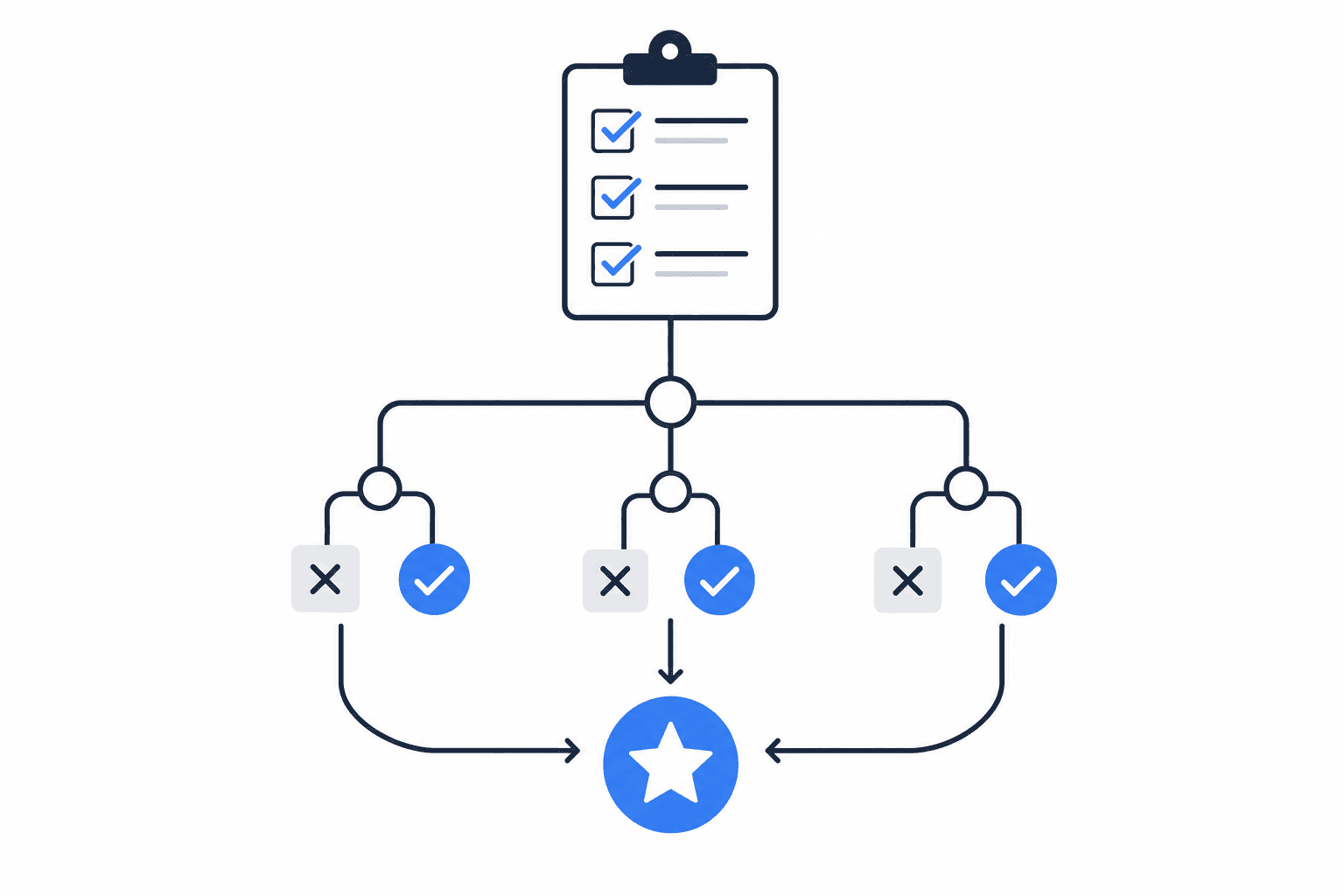
Most small businesses don't make a deliberate decision to manage IT internally. It just kind of happens. Someone on your team is "good with computers," so they become the go-to person. Or you've been handling it yourself — resetting passwords, calling your internet provider when things go down, buying laptops from Costco when someone's old one dies. It works well enough, until one day it doesn't.
The problem is that "one day" rarely announces itself in advance. It shows up as a server crash the morning of a big client presentation. A ransomware attack that locks your files on the busiest week of the quarter. An employee who quits and takes three years of undocumented IT knowledge with them. By the time you realize you've outgrown your current setup, you're already in the middle of a crisis.
This post is for business owners who have a nagging feeling that their IT situation is becoming a problem — but aren't sure if they've actually hit that wall yet. We'll walk through the specific signs that internal IT management has become a liability, what it's actually costing you, and how to think clearly about what comes next.
The "Someone Handles It" Trap
Here's the most common setup for a small business with 10 to 40 employees: IT isn't anyone's actual job. Maybe you have an office manager who troubleshoots printer issues between scheduling appointments. Maybe your most tech-comfortable employee handles new computer setups "when they have a minute." Maybe you call a local tech guy when something breaks and pay him by the hour.
This setup feels like a cost-saver. And early on, it genuinely is. When you have five employees, a simple email system, and one shared drive, the complexity is manageable. But businesses grow. Software stacks get more complicated. You add employees, a second location, remote workers. You start handling more sensitive client data. Suddenly, your part-time IT patchwork is covering a full-time problem.
The real cost isn't the hours spent fixing things — it's the hours lost waiting for things to get fixed. If your office manager spends two hours troubleshooting a network issue instead of doing her actual job, you've paid for two hours of IT support at her salary rate, gotten slower IT support than you needed, and lost two hours of the work she was hired to do. That's not a bargain.
Five Signs You've Actually Outgrown DIY IT
These aren't hypothetical red flags. They're the specific situations that show up in small businesses before something goes seriously wrong.
1. IT problems are interrupting your core business more than once a month
Every business has occasional tech hiccups. But if your team is regularly losing time to slow systems, email outages, software crashes, or hardware failures — more than once or twice a month — that's not normal friction. That's a maintenance backlog catching up with you.
A dental practice with 15 staff members shouldn't be losing chair time because the patient management software keeps freezing. A real estate office with 20 agents shouldn't have half the team unable to access shared files on a busy Monday morning.
Practical takeaway: Keep a rough log for one month. Write down every time an IT issue interrupted work, how long it lasted, and who was affected. If that list surprises you, it should.
2. Your "IT person" is actually someone else doing IT on the side
If the person handling your IT has a different primary job title — office manager, bookkeeper, operations coordinator — you have a problem waiting to happen. Not because they're not capable, but because IT is not their job, and eventually those two responsibilities are going to conflict at the worst possible time.
This setup also creates a serious single point of failure. If that person leaves, gets sick, or goes on vacation, who handles IT? If your answer is "we figure it out," that's the answer of a business that hasn't faced a real outage yet. We've covered what happens when your one IT-knowledgeable person walks out the door — and it's rarely pretty.
Practical takeaway: Ask yourself honestly: if your go-to IT person was unavailable for two weeks starting tomorrow, what would break?
3. You're not sure your data is actually backed up
Data backup means keeping copies of your business files — client records, financial data, contracts, emails — in a separate, secure location so they can be restored if something goes wrong. Sounds obvious. Most small business owners think they have this covered. Many don't.
"We use Microsoft 365" is not a backup plan. Microsoft stores your emails and files, but if you accidentally delete something, get hit by ransomware (malicious software that locks your files and demands payment to unlock them), or experience a syncing error, Microsoft's default settings may not recover what you lost. Microsoft 365 requires active management to be truly protected — it doesn't come configured for real backup out of the box.
If you can't answer "yes, our data is backed up, here's where, and here's how long it would take to restore it" — that's a gap that a managed IT provider would close on day one.
Practical takeaway: Ask whoever handles your IT to show you the backup system and when it was last tested. "I think it's set up" is not a sufficient answer.
4. You're handling sensitive client data and you're not sure you're compliant
Compliance refers to legal requirements around how you store, protect, and handle certain types of data. Different industries have different rules. Medical offices must follow HIPAA (federal rules governing patient health information). Law firms and accounting practices handle confidential client data with their own professional and legal obligations. Even retail businesses that store customer credit card information fall under PCI DSS (Payment Card Industry Data Security Standard — rules set by the major card networks).
If you're in one of these categories and you're managing IT informally, there's a real chance you're not meeting your compliance requirements — not because you're negligent, but because compliance requires specific technical configurations that most non-IT people don't know to set up.
This matters because the penalties aren't just fines. A data breach in a regulated industry can mean lost licenses, lawsuits, and clients who never come back.
Practical takeaway: If your business handles health records, legal files, financial records, or payment data, compliance should be a non-negotiable part of your IT conversation.
5. You're growing, and IT is becoming a bottleneck
Adding a new employee used to mean buying a laptop and setting up an email address. Now it means configuring access permissions, setting up VPN (a virtual private network — a secure connection that lets remote employees access your office systems), adding them to software licenses, and making sure they're covered by your security policies.
If onboarding new staff is taking days instead of hours, or if you're avoiding growth decisions because "IT can't handle it," that's a clear ceiling. Your IT setup should scale with your business, not slow it down.
What Most Small Businesses Get Wrong About This Decision
The most common mistake is waiting for a crisis to force the decision. Business owners often tell themselves they'll "deal with IT properly" when they hit a certain size — 25 employees, $1 million in revenue, whatever the threshold feels like. But the problems that come from outgrown IT don't wait for a convenient moment.
The second mistake is framing this as a pure cost comparison: "an MSP costs $X per month, my current setup costs almost nothing." That math ignores what your current setup is actually costing you in lost productivity, staff time, security risk, and the eventual emergency repair bill. Break-fix IT support — paying someone by the hour only when things break — feels cheaper until you add up what you're spending and what you're losing.
A managed service provider (MSP) — a company that handles your IT on an ongoing basis for a predictable monthly fee — isn't just a more expensive version of your current setup. It's a fundamentally different model: proactive instead of reactive, documented instead of tribal knowledge, and accountable in a way that a part-time workaround never can be.
How to Think About This for Your Business
Here's a straightforward framework based on where you are right now:
| Your Situation | What It Suggests |
|---|---|
| Fewer than 10 employees, simple software, no sensitive data | DIY or occasional break-fix may still be fine |
| 10–25 employees, growing complexity, some client data | You're likely at or past the tipping point |
| 25+ employees, regulated industry, remote workers, multiple locations | You need managed IT — the question is which provider |
| Any size, but you've had a security incident or major outage | Don't wait — get a professional assessment now |
If you're in the middle two rows, the honest answer is: you've probably already outgrown informal IT management. The question isn't whether to make a change — it's how to make the right one.
Start by finding a local MSP — a provider in your area who can actually show up, understands your industry, and can give you a clear assessment of where your IT stands today. You can search the TopMSPs directory by ZIP code to find vetted managed IT providers near you. Local matters more than most business owners realize, especially when something goes wrong and you need someone on-site fast.
When you talk to a provider, ask them to explain what they'd do in the first 30 days, how they handle after-hours emergencies, and what their response time guarantee looks like. If they can't answer those questions clearly, keep looking.
The Moment to Act Is Before the Crisis
The businesses that make the smoothest transition to managed IT are the ones that do it before something goes wrong — not the ones scrambling to recover after a breach, an outage, or a compliance audit they weren't ready for.
If you've read through the signs in this post and recognized your business in more than one of them, that's useful information. It doesn't mean your current setup is a disaster — it means you're at a decision point, and making the decision proactively puts you in a much stronger position than waiting.
Search the TopMSPs directory to find a local managed IT provider who works with businesses your size. A good first conversation with the right MSP will tell you more about where you actually stand than any checklist — and it'll cost you nothing to ask.
Related Guides
Find a Local MSP Near You
Search the TopMSPs directory to find vetted managed IT providers in your area. Enter your ZIP code and compare local options.